
A clear view outside, without an outdoor installation.
Place the camera on the inside of a suitable window. The reusable mount makes it easier to move when your view changes, while the camera stays protected indoors.
Designed around the window
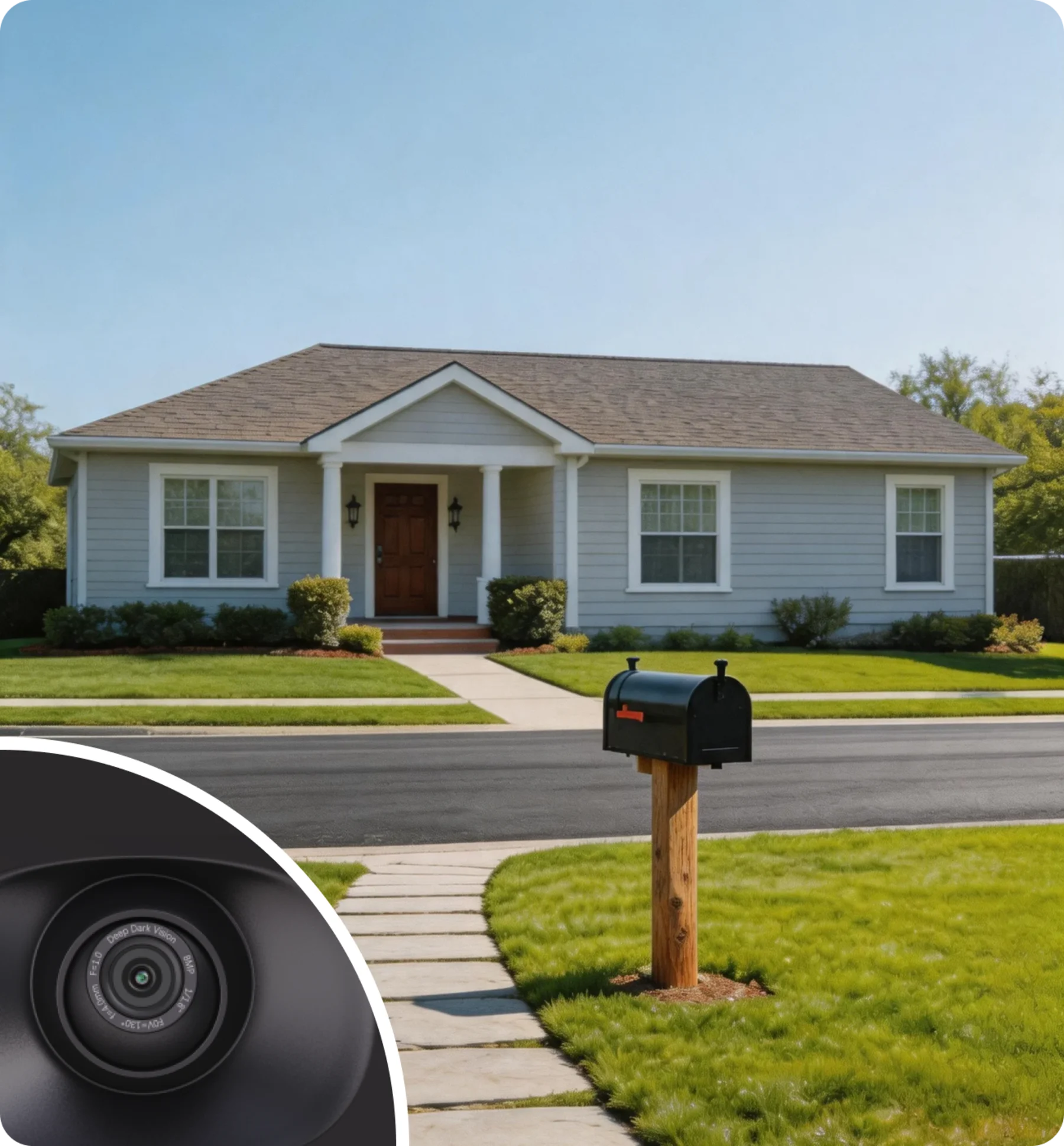
A window is convenient, but nighttime reflections and bright indoor lights can affect any camera pointed through glass. WinEye pairs a close-fitting shield with low-light imaging to reduce that problem.
- No exterior drilling
- Reusable window mounting system
- USB-C power for continuous operation
- Camera stays inside; view faces outside
For the best night view, keep the shield flush to the glass and reduce bright lights behind the camera. Results vary with the window and lighting.
See WinEye through reviewers’ eyes.
Watch creators show and discuss the window-mounted camera in their own videos. Four of these reviews are linked from the WinEye Kickstarter campaign.
These videos belong to their creators and may show a different WinEye version. Check the current Pro and Basic specifications and availability on this page before ordering.
Three steps to a window-facing view.
These campaign installation images show how the shield and camera sit on the room side of the glass. Check your chosen window and power-cable route before mounting.
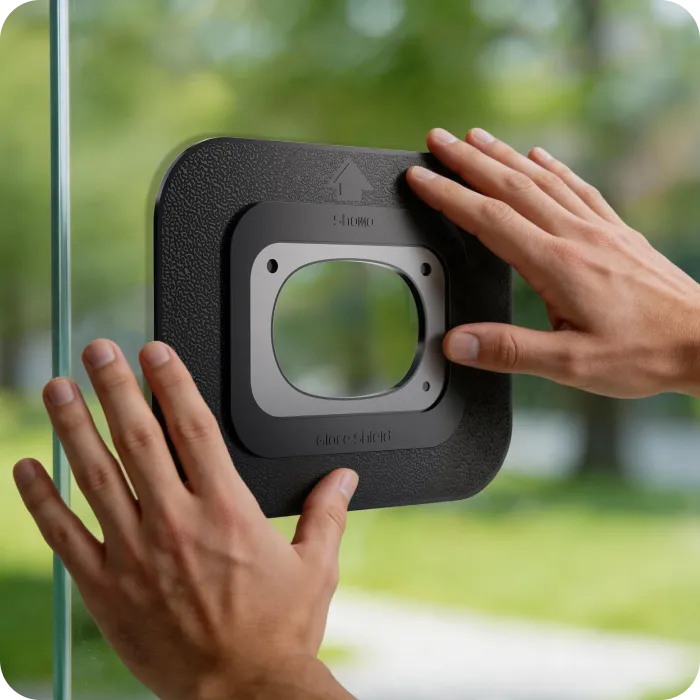
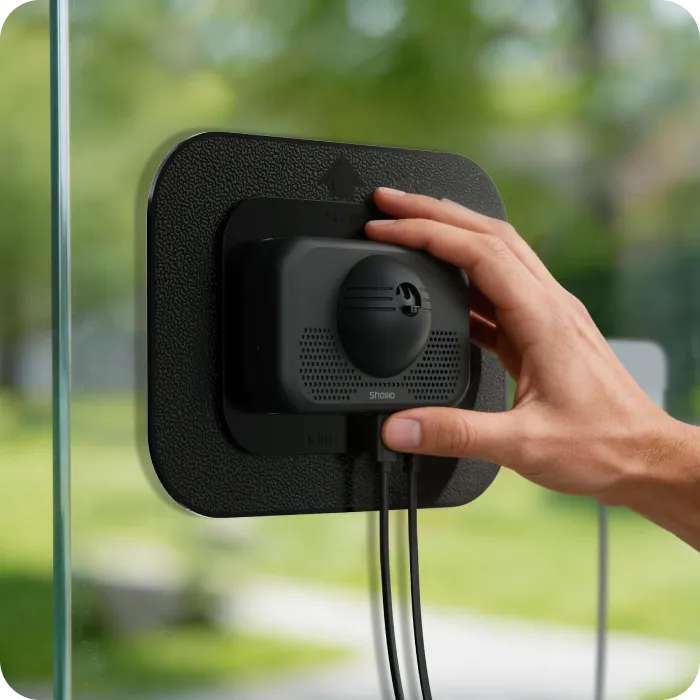
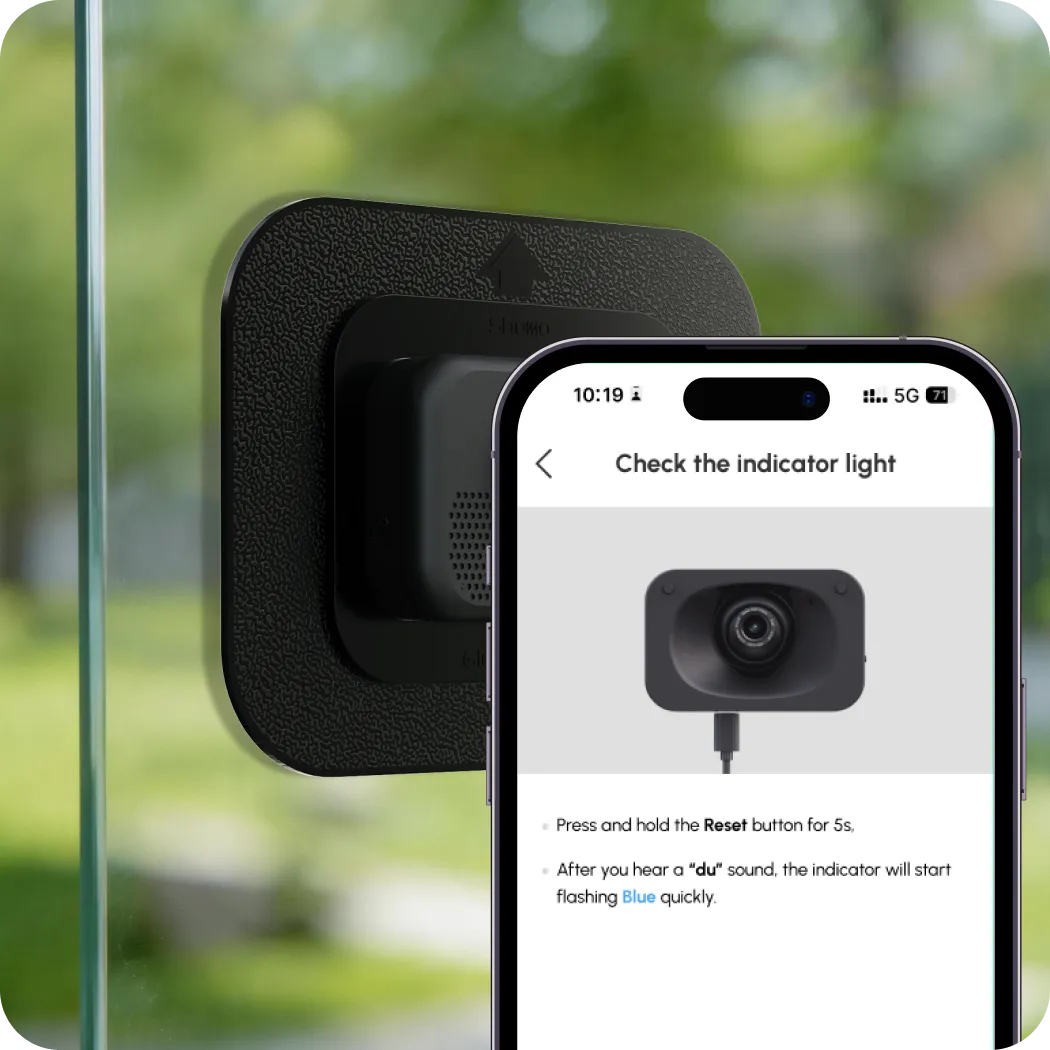
Campaign images illustrate installation; the current app screens may differ. Reflections depend on room lights, glass and placement. WinEye needs USB-C power and internet access for initial setup, app sign-in and viewing away from home.
Three details that make the placement work.
WinEye separates the view, room audio and outdoor audio so you can choose a useful window without treating an ordinary indoor camera as a window camera.
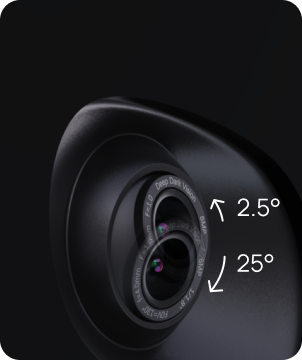
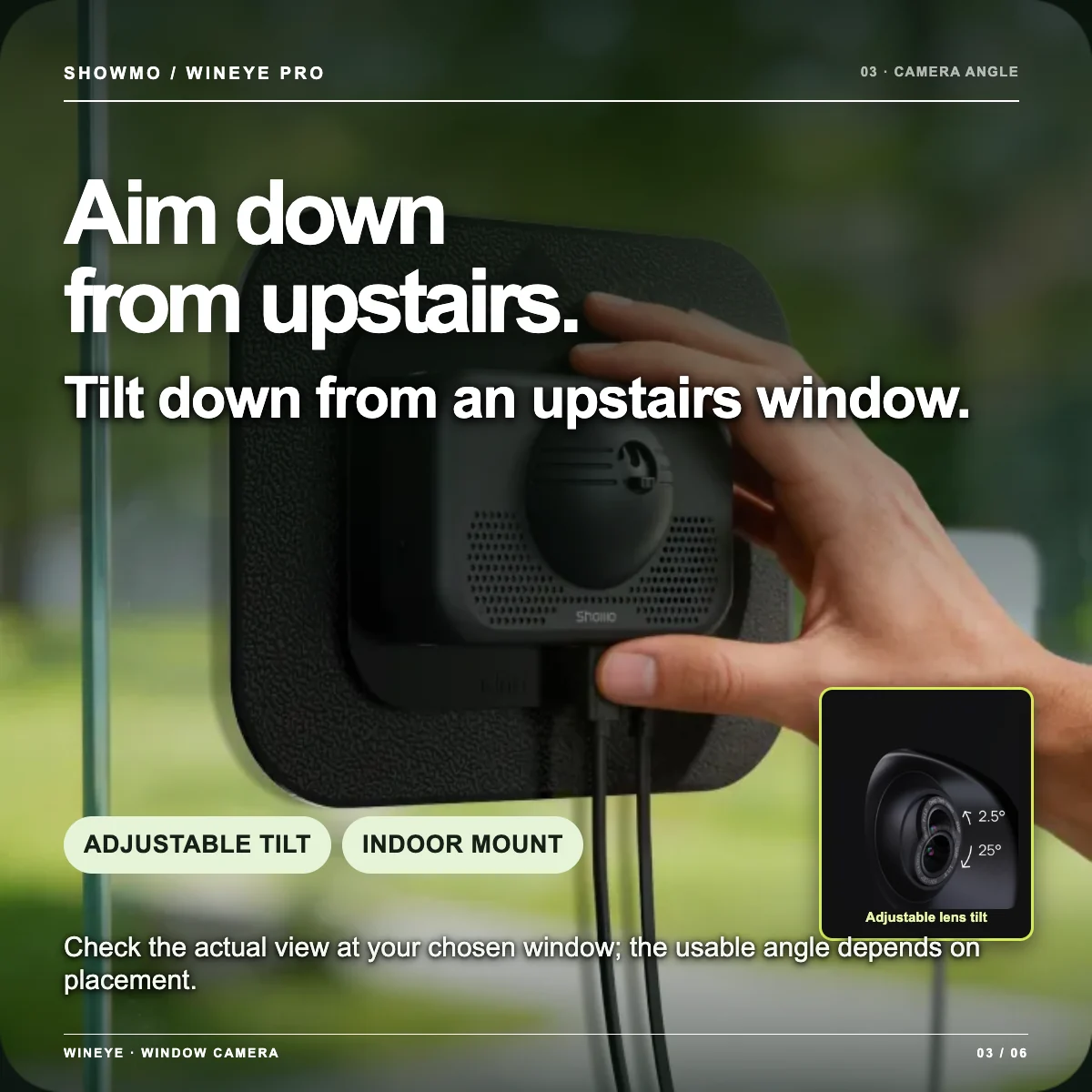
Look down from the second floor
Adjust the lens tilt after mounting to aim at a ground-floor door, path or driveway. Check the actual view at your chosen window; placement and glass determine what is visible.
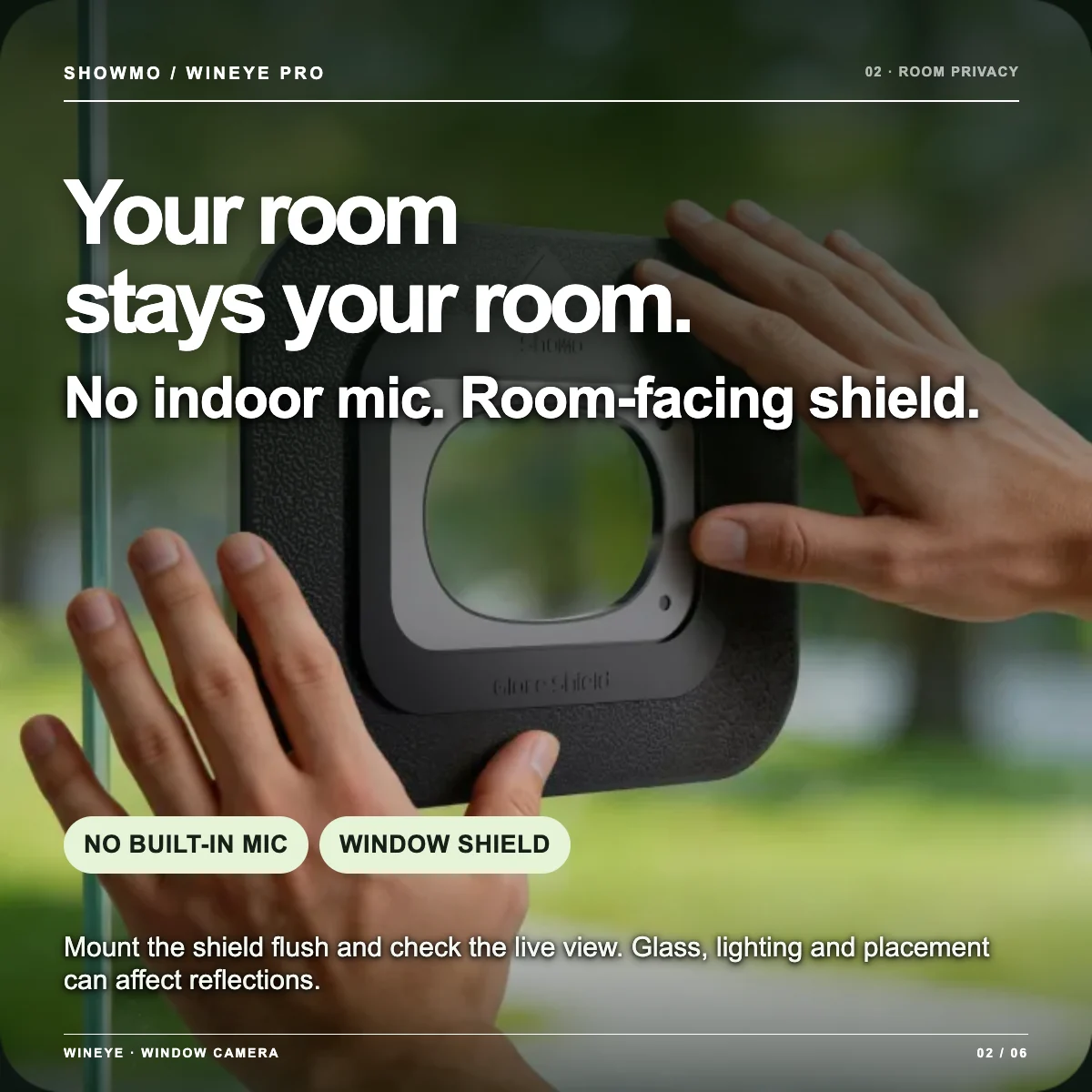
No microphone in the camera body
The camera body does not listen to your room. The large glare shield helps isolate the outward-facing lens from indoor scenes when mounted close to the glass. Check the live view after installation, especially at night.
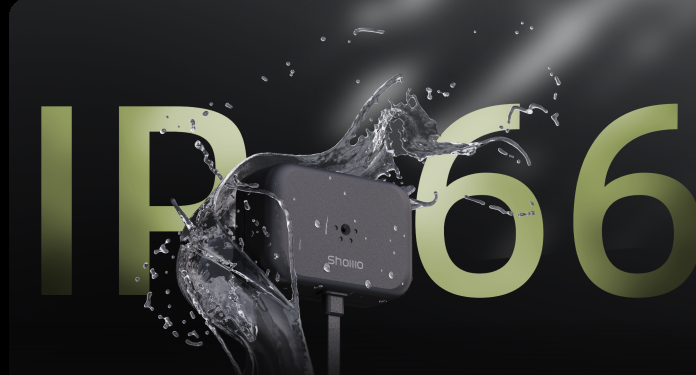
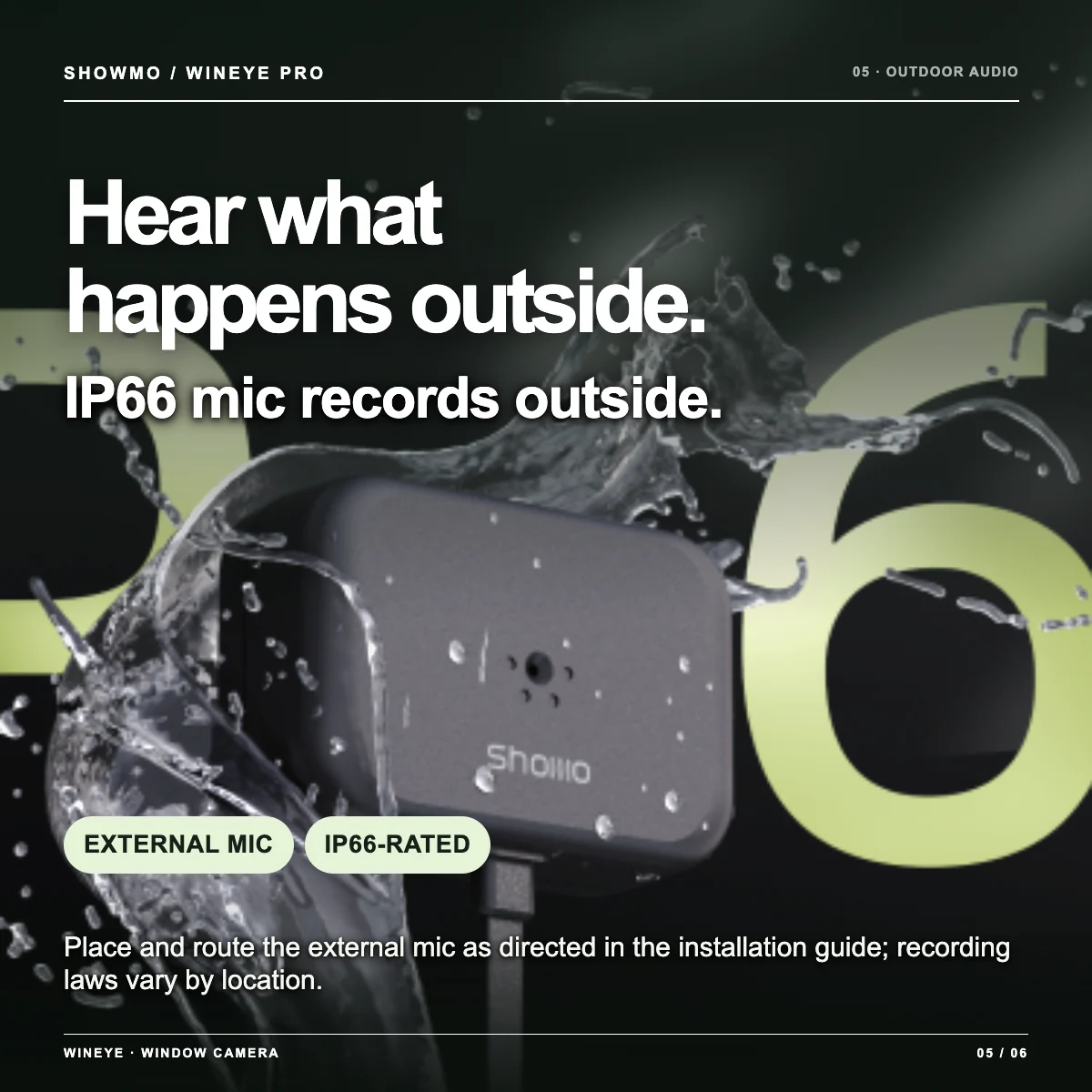
Separate IP66-rated microphone
The external module can be positioned to capture sound outside while the camera remains indoors. Route its cable according to the installation guide and follow local audio-recording rules.
Why WinEye Pro uses eMMC instead of a microSD card.
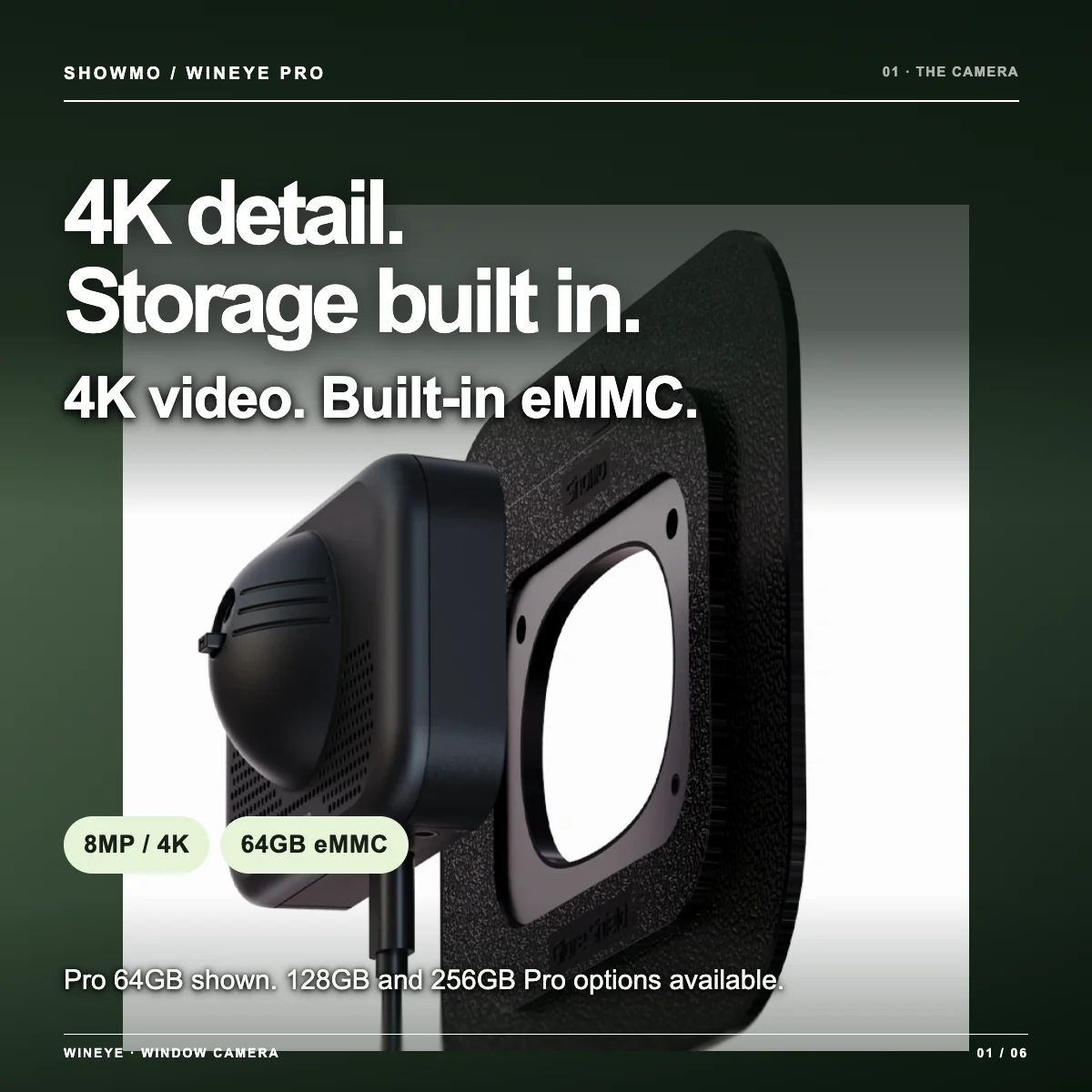
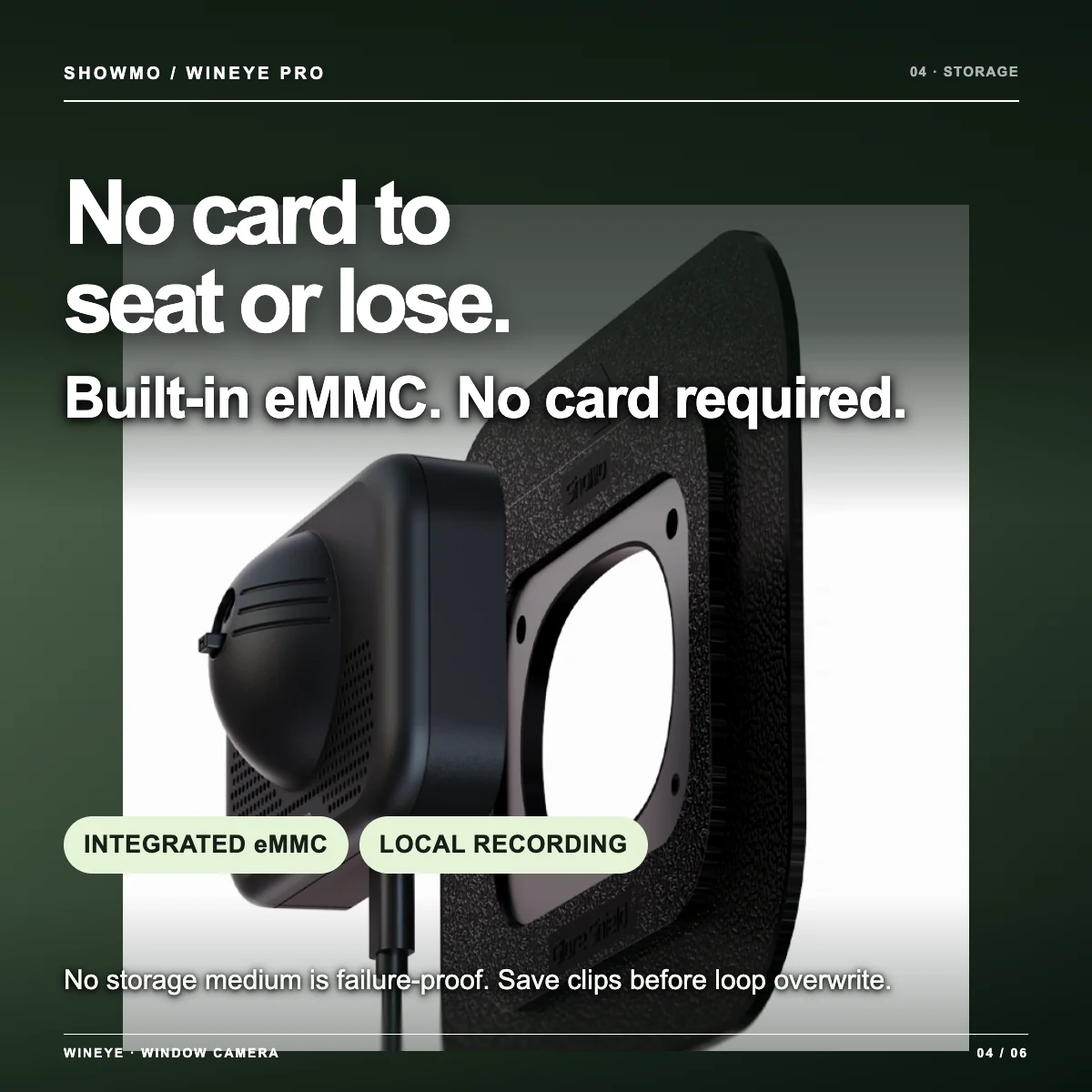
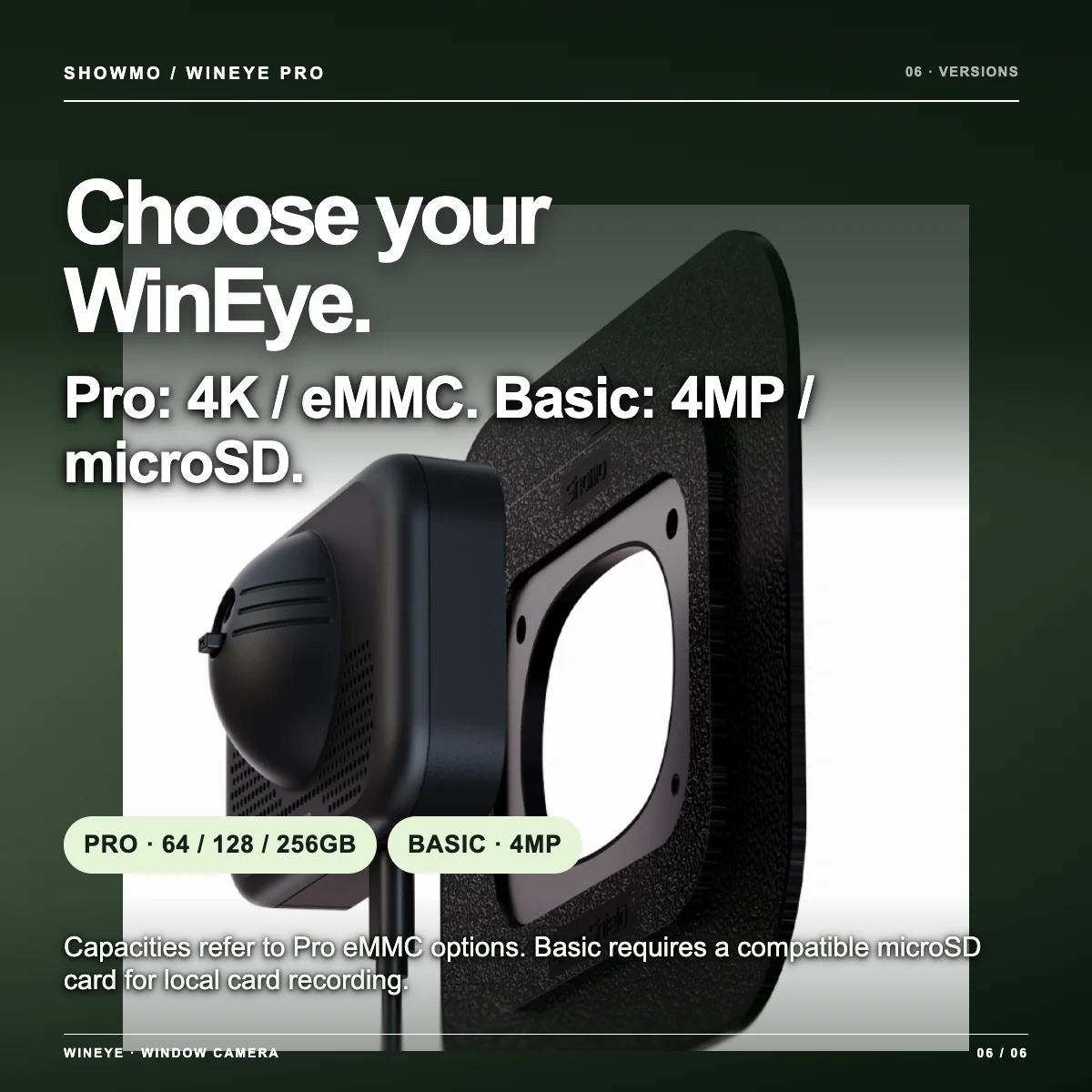
Pro’s recording storage is built into the camera. Its fixed connection removes the removable card and card-slot contacts from the recording path, so a loose, poorly seated or misplaced card cannot interrupt recording. Choose 64GB, 128GB or 256GB when ordering; there is no card to buy or install.
Fixed in place
No removable card to work loose, be pulled out or be lost during setup and handling.
Ready to record locally
Your selected eMMC capacity arrives built in. Local recording does not require a storage subscription.
Choose capacity up front
64GB, 128GB or 256GB options let you match storage to your recording plan.
| Feature | Pro | Basic |
|---|---|---|
| Video resolution | 4K (3840 × 2160) / 8MP | 4MP |
| Storage setup | 64GB, 128GB or 256GB eMMC is already built in | Uses a compatible microSD card in its card slot |
| Recording connection | Fixed internal connection; no removable card or card-slot contact to seat | Removable card and slot contacts require correct insertion |
| Change capacity later? | No microSD slot; choose capacity when ordering | Card can be removed and replaced with a compatible capacity |
| Availability | Choose a version above for its current price and availability. Shipping and tax are confirmed at checkout. | |
Pro’s reliability advantage here is its integrated, non-removable storage connection. Flash endurance and data retention still depend on the actual component, recording workload and power conditions; no storage medium is failure-proof. Pro eMMC cannot be upgraded or swapped like Basic’s microSD card, so save important clips before loop recording overwrites them.
How long can Pro keep video?
Capacity sets the space available; recording mode and video bitrate determine the time. When storage fills, loop recording overwrites the oldest footage, so download clips you need to keep.
- Continuous recording
- about 2.0 days
- Event recording
- about 28 days
- Continuous recording
- about 4.0 days
- Event recording
- about 57 days
- Continuous recording
- about 7.9 days
- Event recording
- about 114 days
Illustrative calculation at a constant 3 Mb/s. Event recording assumes 100 clips per day, 60 seconds per clip (100 minutes of video daily), with no continuous recording between events. Figures use nominal GB capacity before file-system and recording overhead; they are not measured or guaranteed WinEye runtimes. Actual retention changes with bitrate, clip length, event frequency and settings.
Answers to the questions customers actually ask.
Short answers here; setup details belong in the product guide.
Will the window cause glare at night?
WinEye is designed to reduce reflections with a window shield and low-light imaging. Bright indoor lights, the window construction and placement can still affect the view. Test your intended window and keep the shield close to the glass.
Can I aim from an upstairs window toward the ground floor?
WinEye’s lens tilt lets you aim downward after mounting. The area you can see depends on window height, placement and the angle to the area below. Check the live view at the planned location.
Will the camera record sounds inside my room?
The camera body has no built-in microphone. Outdoor sound uses a separate external microphone module. Mount the window shield close to the glass and verify the live view to limit indoor reflections or room areas in the image.
Does Pro have a microSD slot?
No. Pro records to built-in eMMC storage in the capacity you select. Choose Basic if a replaceable microSD card is essential for your setup.
Is there a required monthly fee?
A subscription is not required for local recording. Optional cloud services may have their own fees. Internet access is currently required for initial setup, app account sign-in and remote viewing.
What powers WinEye?
It uses a USB-C power cable, not a rechargeable camera battery. A compatible power bank can be used if it supplies stable power; runtime varies by the bank and settings.
Can I use ONVIF or an NVR?
ONVIF/RTSP use depends on compatible firmware and network settings. The service may be off by default. Follow the current WinEye setup guide before buying for a specific NVR.
Can I view it away from home?
Yes, when the camera has a working internet connection and you can sign in to the ShowMo app. Video quality depends on the camera’s connection and your viewing connection.
Omar –
The window-mounted design is a smart idea because it lets me monitor outside while keeping the camera protected indoors. Video clarity is very good, especially at night, setup was simple, and the wide viewing angle covers much more than a typical indoor camera pointed through a window.
Marco –
I really like this window camera because it mounts neatly to the glass and avoids the glare you usually get when pointing an indoor camera outside. Setup was quick, the app is easy to use, and it works well for general outdoor viewing through a window.
Byron –
This camera has been a great addition to my home setup because it was simple to install, delivers a clear picture, and has impressively strong night vision. The reusable window mount makes it easy to move when needed, and the slim design fits neatly on the window without interfering with the blinds.
McKay –
I like how easy this window-mounted camera is to set up and move. The app connects quickly, local storage is convenient, and it works well for live view and motion alerts.